
 ufind

Visit before voting
Take a quick look at brickbyclick first. Your vote unlocks when you return.
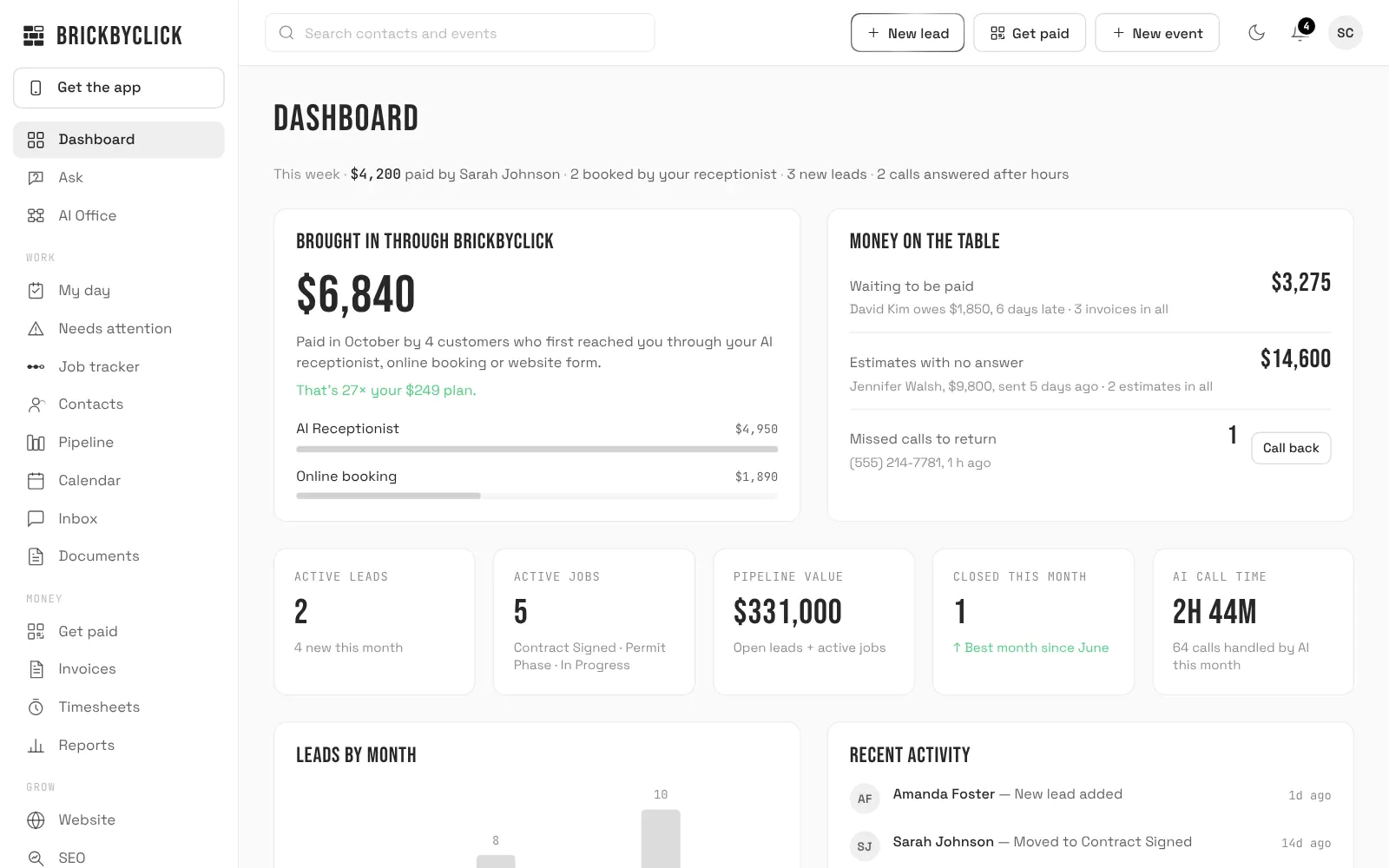
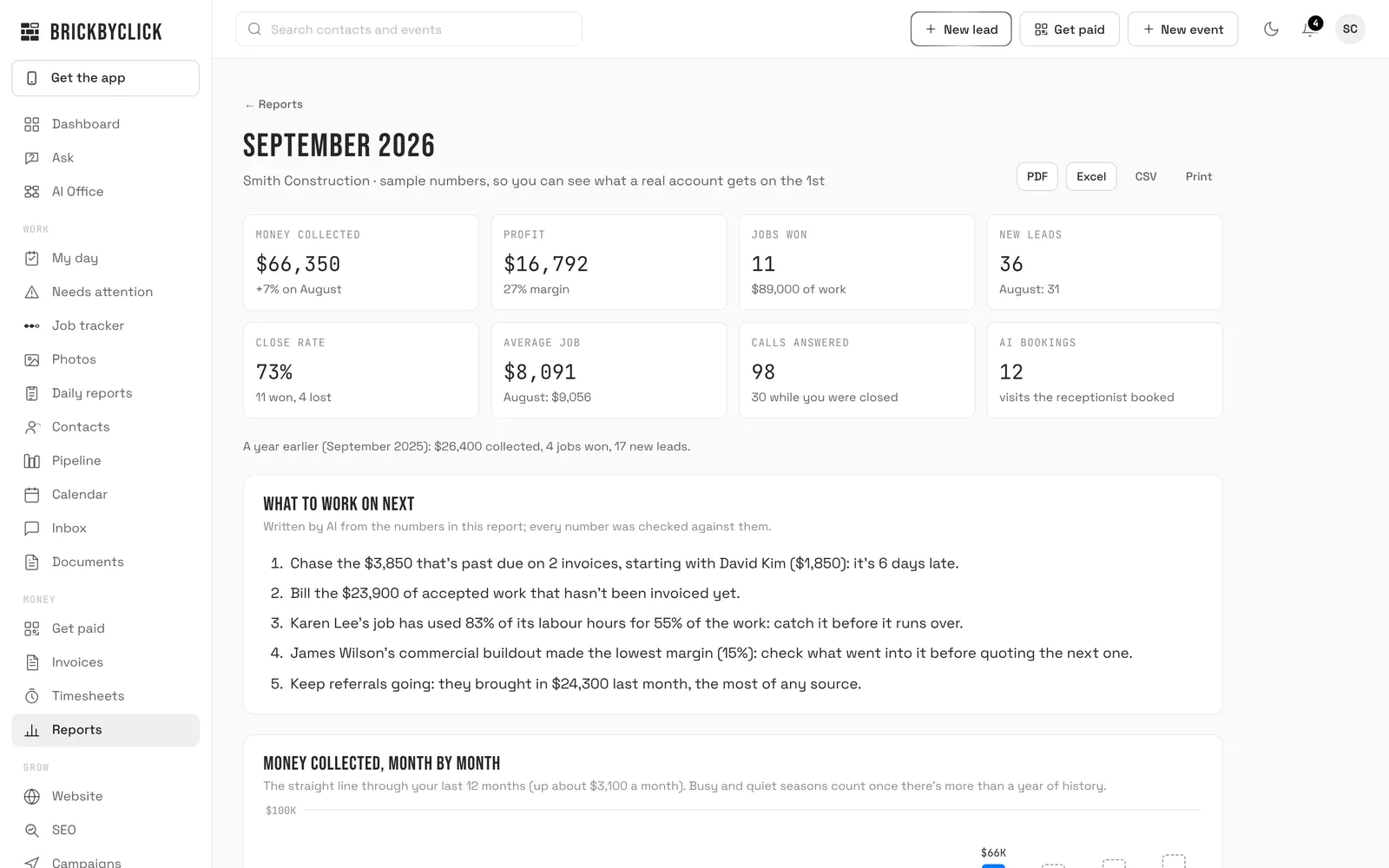
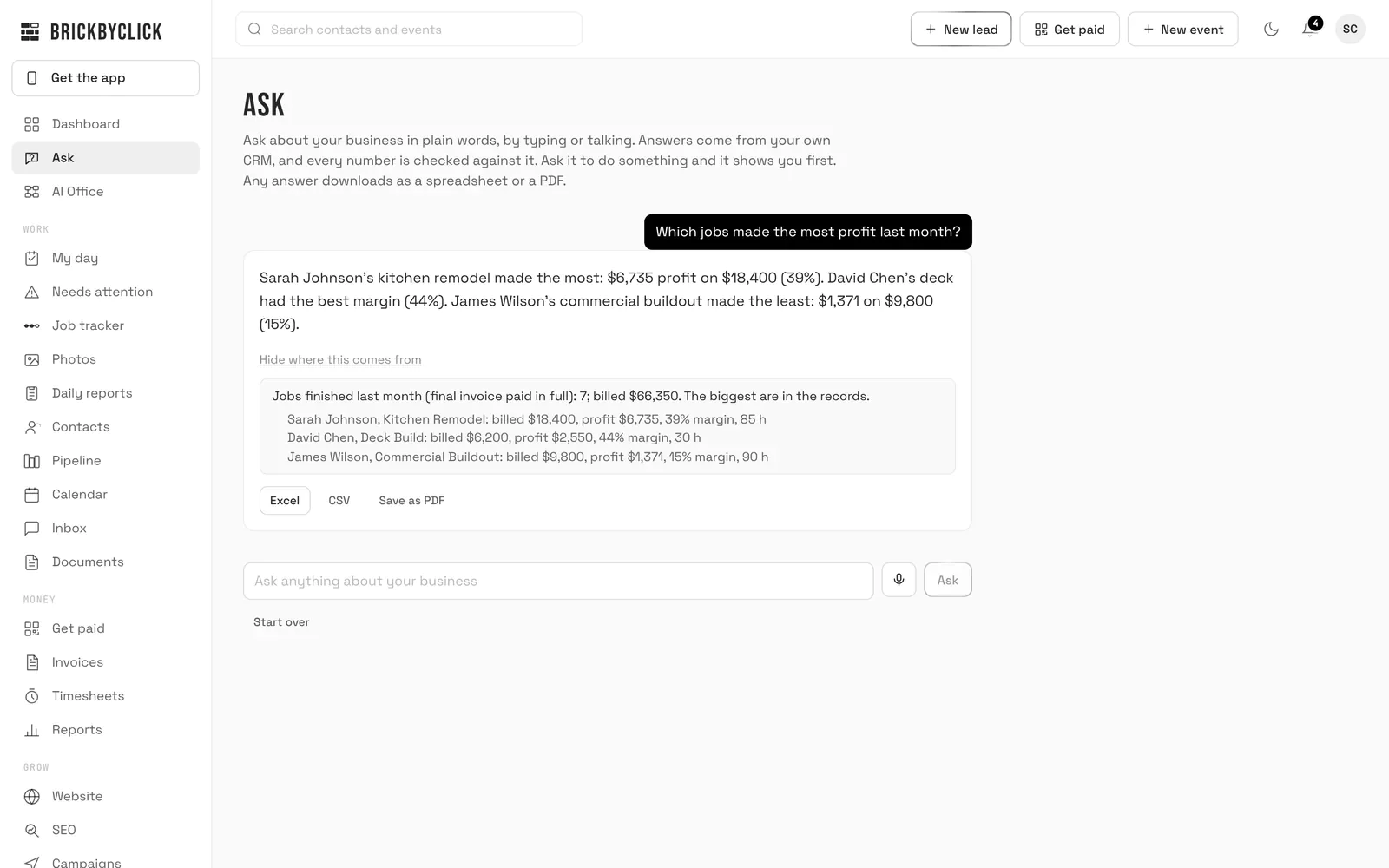
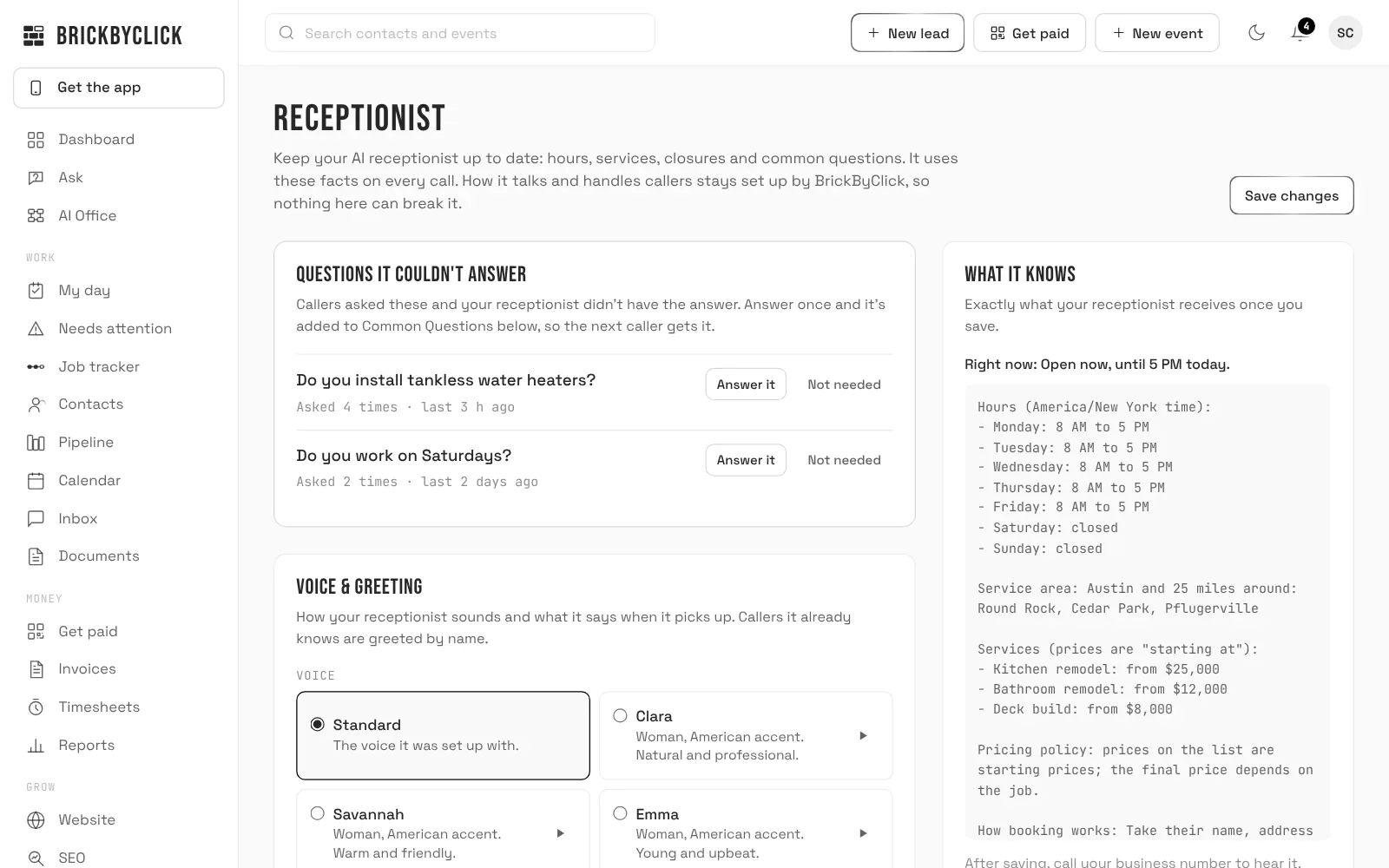
BrickByClick is AI-powered business operations software connecting customer acquisition, field operations, payments, and financial reporting.
BrickByClick is AI-powered business operations software for local service businesses. It connects customer acquisition, communication, scheduling, fieldwork, payments, and financial reporting in one platform.
An AI receptionist answers calls using the business’s services, hours, and approved information, captures enquiries, and books appointments within configured rules. Calls, summaries, and customer conversations stay connected to the CRM, alongside contact history, estimates, invoices, and job records.
Owners can schedule visits, assign crews, and manage recurring work. The mobile crew app provides daily schedules, directions, work orders, checklists, photos, signatures, and time tracking. Supported offline functions preserve field updates until connectivity returns. An authenticated team phone line lets authorized staff access schedules and make selected updates by voice.
Estimates support customer approval and deposits. Invoicing and online payments help businesses collect money, while job costing brings together recorded labour, materials, receipts, and payment fees. Reports summarize revenue collected, profitability, and business activity.
Needs attention identifies missed callbacks, unbilled work, unanswered estimates, and other unresolved issues, with practical next steps. AI assistance helps owners explore business information and prepare supported actions for approval. Automated follow-ups, reminders, campaigns, and review requests support customer communication.
Managed websites, hosting, local SEO, and Google Business Profile services help businesses attract enquiries. Website editing and activity reporting connect marketing with daily operations.
Features vary by plan. Messaging and integrations require applicable setup, registration, or third-party approval.
-
BrickByClick is AI-powered business operations software for local service businesses. It connects customer acquisition, -
Connected customer and job management: Keeps conversations, estimates, schedules, work orders, and payments together. -
Proactive business oversight: Flags missed callbacks, unbilled work, unanswered estimates, and potential job overruns—wi -
Mobile crew tools: Gives teams schedules, directions, checklists, photos, and time tracking, and supported offline -
Payments and profitability: Combines invoicing, online payments, receipt capture, job costing, and business reporting. -
Integrated websites and marketing: Connects websites, local SEO, Google Business Profile management, campaigns
-
Owner-operated service businesses: Owners who miss calls and fall behind on administration while performing the work. -
Teams needing shared schedules, job instructions, progress updates, and organized documentation. -
Recurring-service businesses -
Businesses that need to track estimates, collect deposits, follow up, and invoice completed jobs. -
Owners seeking one connected system, with setup assistance, for marketing, customer management, operations, and payments
AI-powered business operations software for local service businesses. It connects customer enquiries, scheduling, crew workflows, estimates, invoices, payments, and reporting. Managed website and marketing services are also available.
It answers calls using your approved business information, recognizes returning customers, captures enquiries, and books appointments within your rules. You can review call recordings, transcripts, and summaries in the CRM.
Yes. You can keep your website and connect supported enquiry tools to the CRM. You can also keep your business number and forward all calls—or only unanswered calls—to your AI receptionist.
Your crew can use their existing smartphones. The My day screen provides assigned visits, directions, job instructions, photos, and work orders. Supported field updates can be saved offline and synchronized when reception returns.
You can send estimates, request deposits, create invoices, and accept supported online payments. Customers can also scan a payment QR code on site. Job costing combines recorded labour, receipts, materials, and applicable payment fees to show profitability.
Plans are month to month with no setup fees. Starter is self-service; managed plans include setup assistance. Features vary by plan, and texting or certain integrations require registration, connection, or third-party approval.
Related tools


No Deals Available
Currently, there are no special deals or discounts available for this tool.
Asking Price
$17,000
TTM Revenue
$0
TTM Profit
$0
Last month revenue
$0
Business Details
- Date founded
- 2025-04-01
- Team Size
- 1
- Contact Email
- [email protected]
- Tech Stack
- Wasp, React, Shadcn-UI + TailwindCSS, Prisma + Postgres, hosted on fly.io

Domain Rating
+5.9 since Aug 2026
How this is measured aso.best
Featured
Unlock App Store and Google Play keyword insights daily
 Sumly
Featured
Track revenue and visitors from all your apps and sites
 Humanize
Featured
AI Text That Sounds Human
Your tool here
1 spot open now →


