ufind
ufind
ConvertPDF
Every PDF task, one calm place, now inside ChatGPT
Visit before voting
Take a quick look at ConvertPDF first. Your vote unlocks when you return.
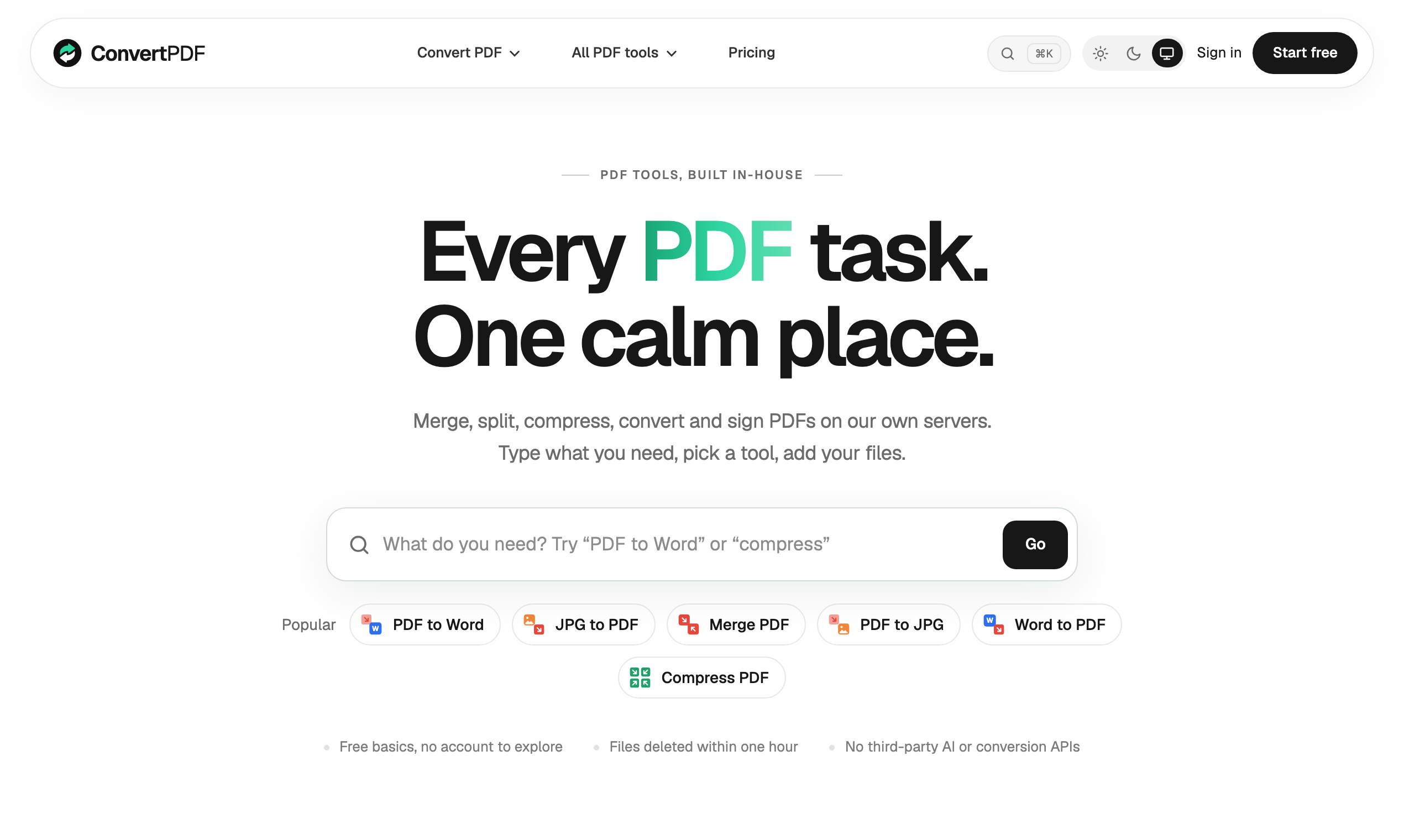
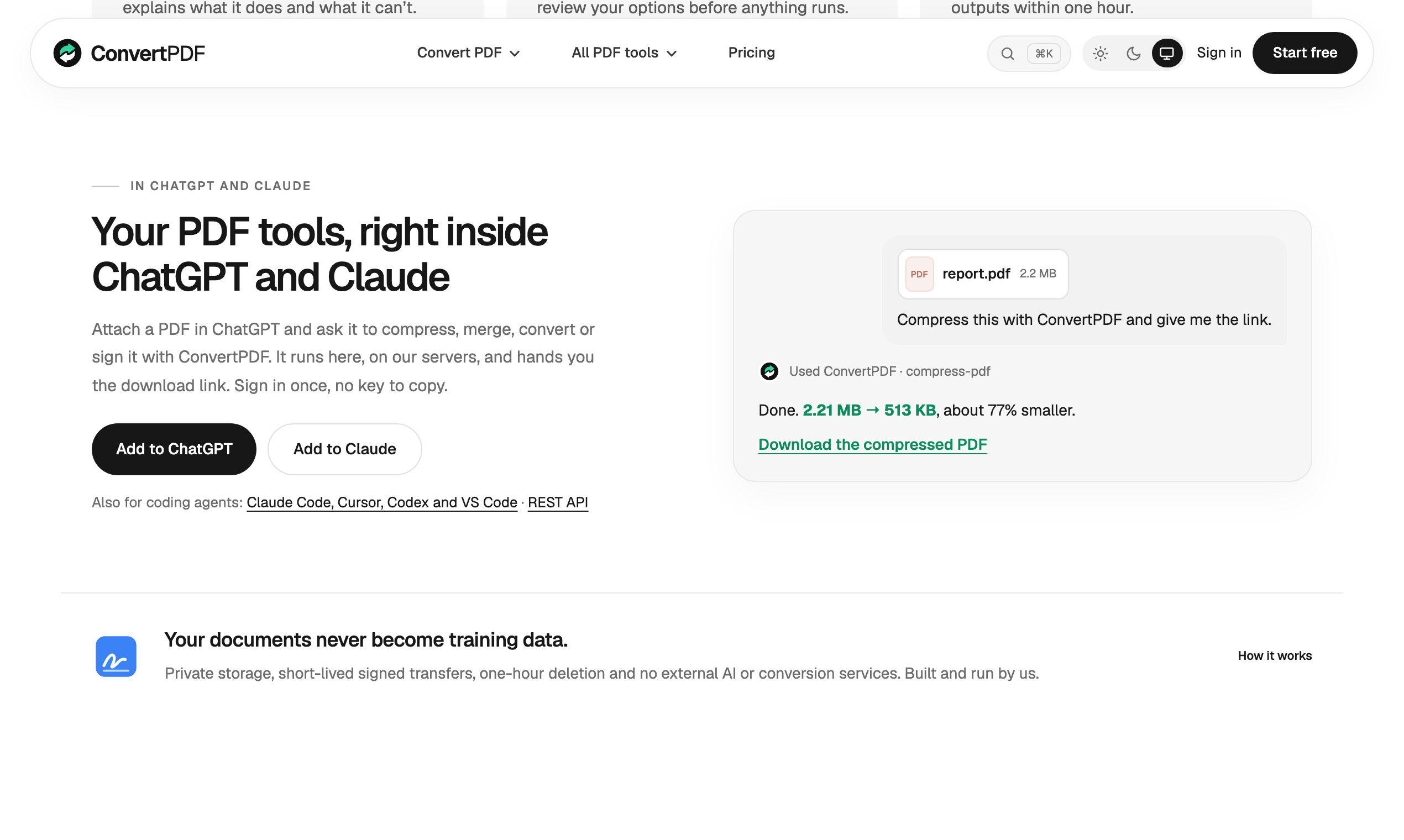
ConvertPDF is a free PDF toolkit with 24 tools for conversion, editing, OCR, signing, and page organization. It works on the web, inside ChatGPT and Claude via MCP, and through a REST API, with EU-based processing and one-hour file deletion.
ConvertPDF brings a broad set of PDF tools, document conversion options, and developer access into one streamlined workspace. It is designed for people who need to handle everyday PDF tasks without jumping between multiple services, and it also extends those same capabilities into ChatGPT, Claude, and a REST API for more technical workflows.
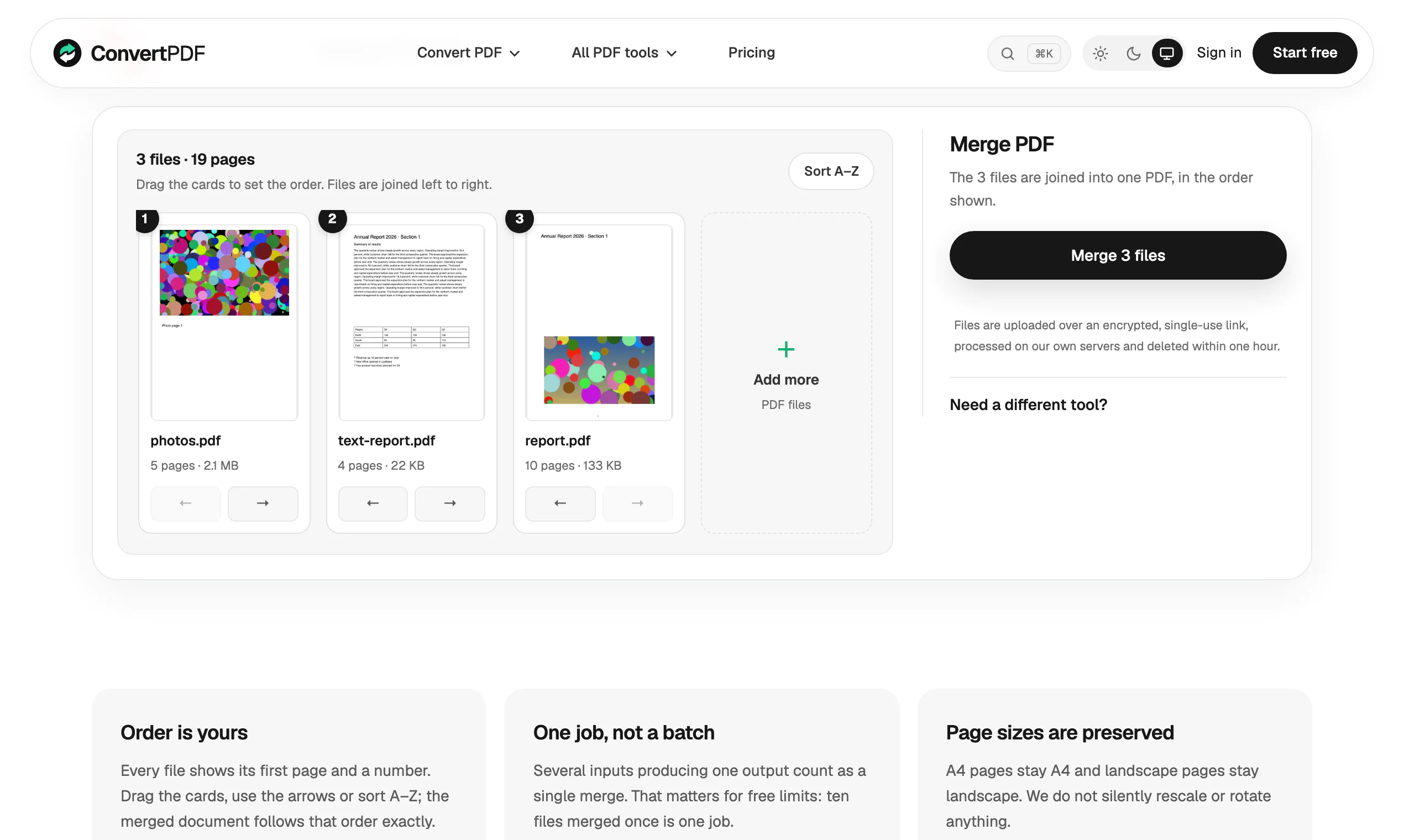
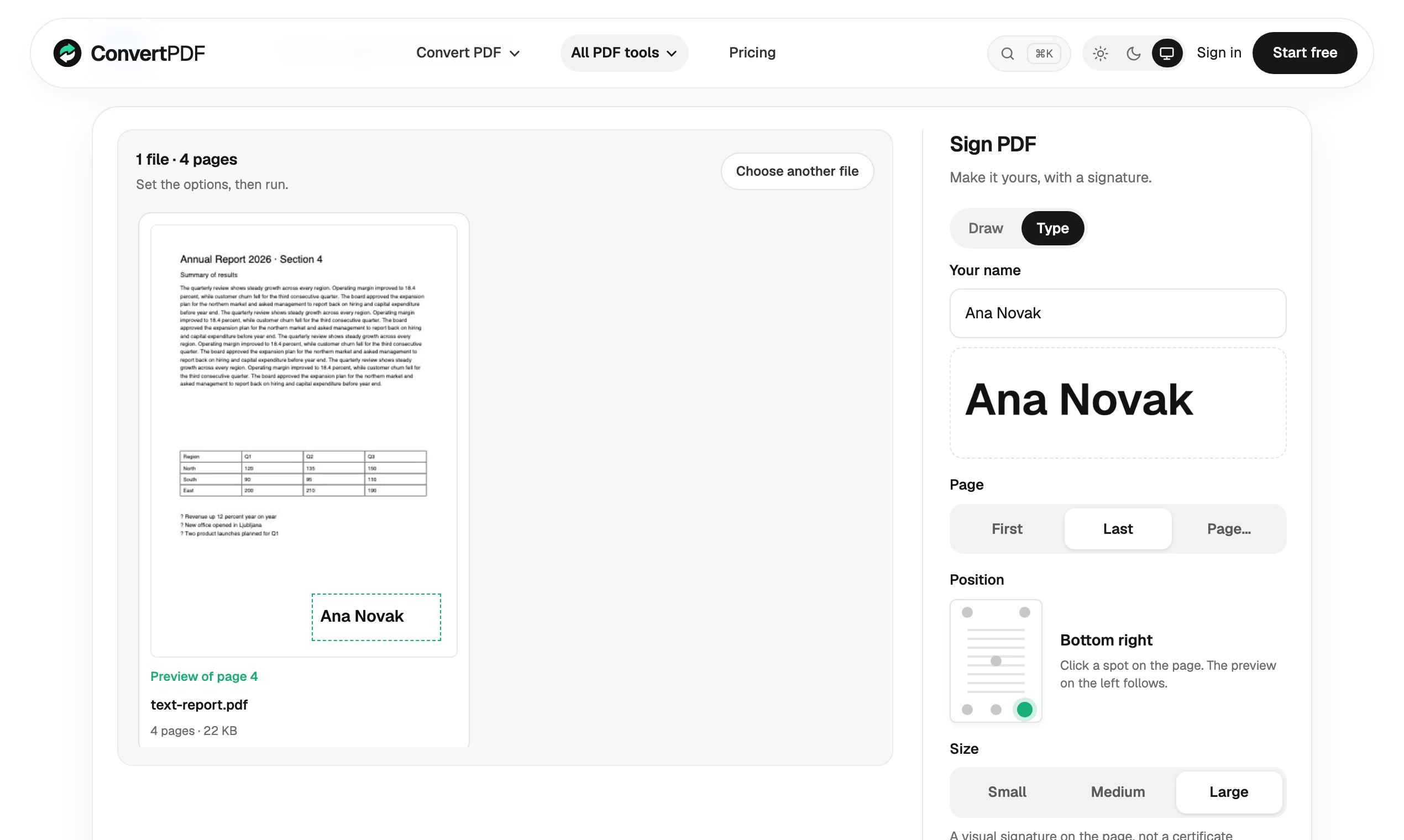
Whether you are merging files, converting formats, adding page numbers, or preparing documents for sharing, the product keeps those tasks in one place. For page-based actions, it also shows visual page previews, making it easier to confirm what you are reordering, rotating, signing, or combining before you download the result.
Key Features
- Access 24 PDF tools in one web app
- Merge, split, compress, organize, and rotate PDFs
- Convert between PDF and common formats including Word, Excel, PowerPoint, JPG, PNG, and text
- Add page numbers, watermarks, signatures, protection, and unlocking
- Use OCR and create PDF/A files
- Preview pages visually for tasks that involve page-level changes
- Connect through an MCP server inside ChatGPT and Claude
- Use the same functionality through a REST API
How It Works
ConvertPDF runs conversions on its own servers in the EU. Files are not sent to third-party AI or conversion services and are deleted within one hour.
Users can work directly in the web app for manual document tasks, or connect through the documented MCP server for AI-assisted workflows. Developers can also integrate the tools into their own systems through the API when they need programmatic PDF handling.
Why Choose ConvertPDF
Breadth without clutter is the main appeal here. Instead of using separate utilities for compression, conversion, signing, and page organization, ConvertPDF groups those jobs into a single service.
It is also notable for its visual page previews, which add clarity to page-based editing tasks. That can help reduce mistakes before export.
For access, the product is currently free with daily limits: 10 units per day without an account and 20 units per day with a free account. There are no ads, which helps keep the experience focused for routine productivity work and developer testing alike.
- 1 Handle PDF tasks in one place
- 2 Preview pages before making changes
- 3 Convert common office and image formats
- 4 Work inside ChatGPT and Claude
- 5 Integrate PDF workflows via REST API
- 6 Use the service free with daily limits
-
Office users who need everyday PDF conversion and editing -
Developers who need PDF tools through a REST API -
ChatGPT users who want PDF workflows inside their AI workspace -
Teams who prefer EU-based document processing -
Users who need visual previews before reordering or signing pages
ConvertPDF includes 24 PDF tools for tasks such as merging, splitting, compressing, organizing, rotating, signing, OCR, and format conversion. It also supports actions like adding page numbers, watermarks, protection, unlocking, and creating PDF/A files.
ConvertPDF supports PDF to Word, JPG, PNG, and text, as well as Word, Excel, PowerPoint, JPG, and PNG to PDF. These options cover many common document and image workflows.
Yes. Tools that work on pages include visual page previews, so you can see what you are merging, reordering, rotating, or signing before downloading the output.
Yes. ConvertPDF works inside ChatGPT and Claude through an MCP server, documented at https://convertpdf.io/docs/mcp. This allows the same PDF tasks to be used within those environments.
Yes. The product also offers a REST API, giving developers access to the same PDF tools programmatically for custom workflows or integrations.
ConvertPDF is currently free with daily limits. You get 10 units per day without an account and 20 units per day with a free account, and paid plans are not on sale yet.
Related Tools

Discover The Best AI Tools

Find the perfect meeting spot between friends easily

Everything You Need for a Seamless Gmail™ Experience

The Native AI Study Assistant Built for macOS.

Fast and secure file uploads with FileFast

Email for developers and marketers.
No Deals Available
Currently, there are no special deals or discounts available for this tool.
Asking Price
$17,000
TTM Revenue
$0
TTM Profit
$0
Last month revenue
$0
Business Details
- Date founded
- 2025-04-01
- Team Size
- 1
- Contact Email
- [email protected]
- Tech Stack
- Wasp, React, Shadcn-UI + TailwindCSS, Prisma + Postgres, hosted on fly.io
✨ More Premium
View all
Never blindly click "agree" again

Your Personal AI Astrologist

Edit, convert, and analyze audio in your browser

The self-hosted email platform on your AWS, built for developers and businesses

Transform your ideas into stunning presentations in minutes

Get exposure with a banner and 30-day placement on all tool pages.