ufind.best ufind.best

Searching our database...

Navigate Select
Search by name or category
Dock Groups Logo

Dock Groups

Your Dock, your rules. Simple and clean.

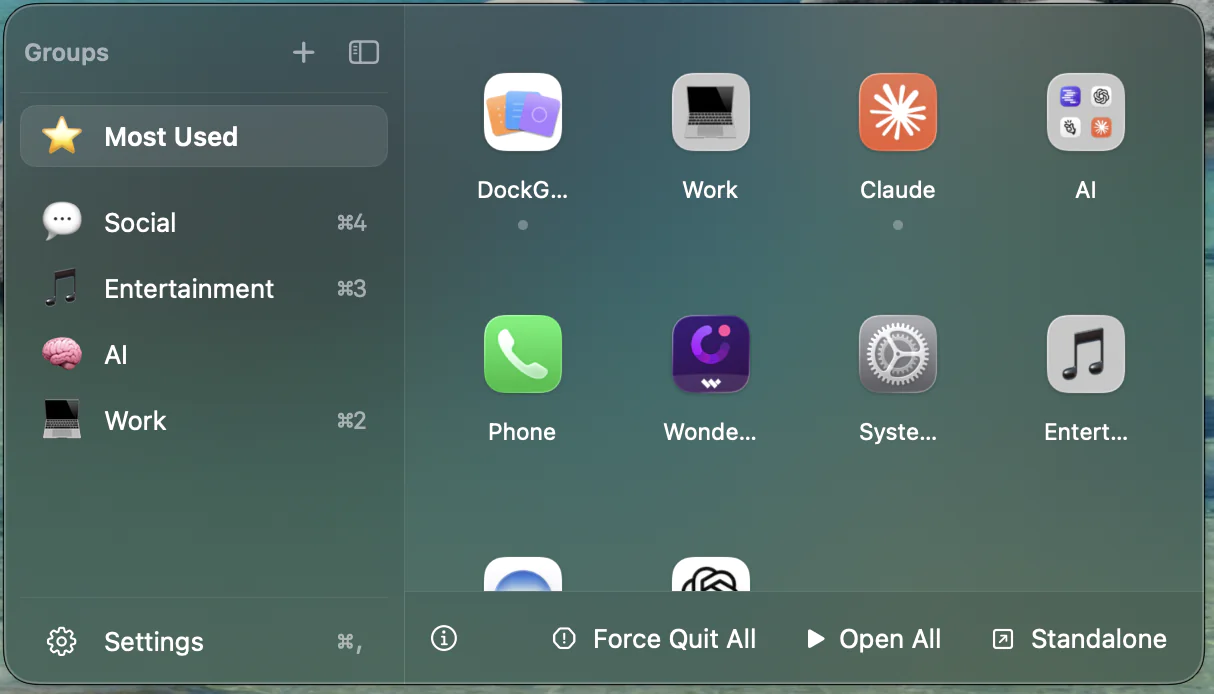
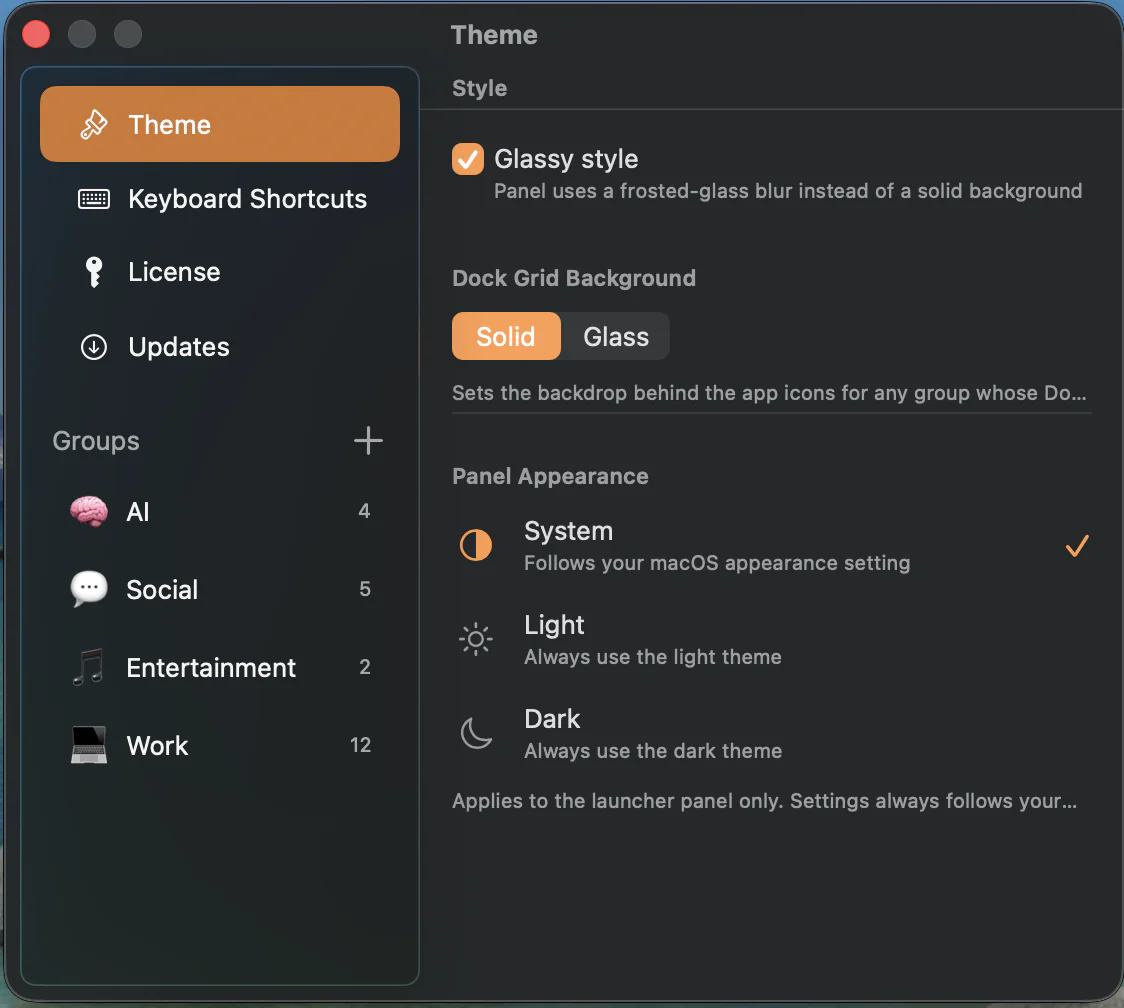
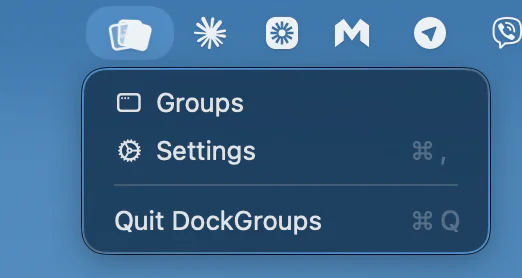
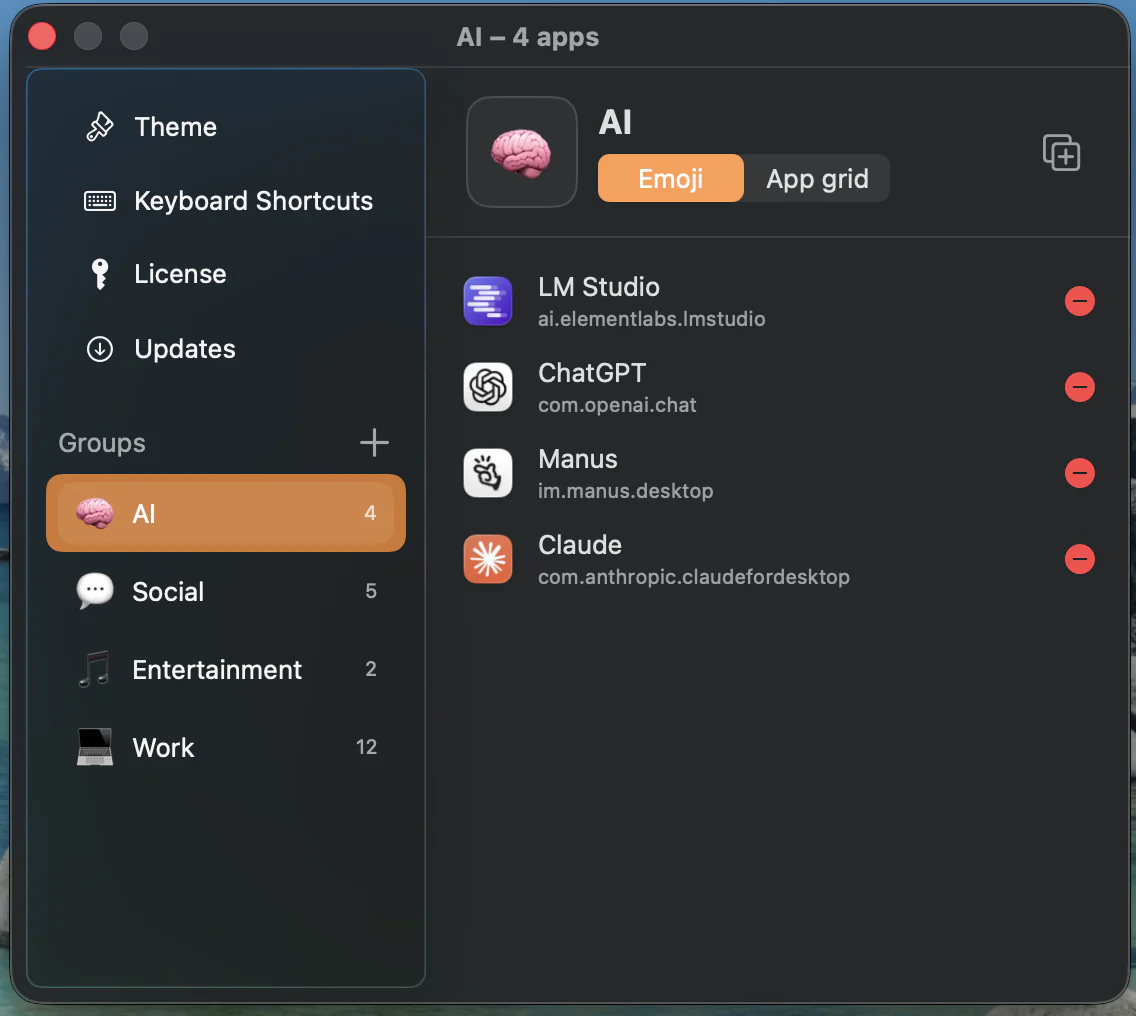
Screenshot 1 of Dock Groups Screenshot 2 of Dock Groups Screenshot 3 of Dock Groups Screenshot 4 of Dock Groups

A placing, not a percentage: #9 of the 20 tools that launched that week. First place reads 90, last reads 35, and the scores compare only within one week.

Judged 21 September 2026 under measure 2026-09-08.v25. Scores compare products within one launch week. We keep making the judges' questions stricter, so a score from another week was set against a different measure.

Market signal

Distinct, still unproven

The approach stands apart, while demand needs stronger public proof. The research snapshot found 2 direct and 0 adjacent alternatives.

Existing Jury ratings
Demand Mercury
58
Differentiation Uranus
84
Product strength Execution, UX, Trust & Practical value
64
Market scope Market scope unclear

No reliable geographic or language constraint was visible in the public product information.

Similar tools found

2 direct · 0 adjacent

2
Light snapshot Unclear Moderate comparison
Same market 2

Visible approaches: dock organizer.

Examples: ActiveDock, ExtraDock

Named alternatives found in this public research snapshot, not a complete market census. The count and approach mix explain the review and add no points.

Research coverage Broad coverage
80

The snapshot spans the main research angles and several independent platforms.

Pain 3 Demand 3 Alternatives 2 Adoption 5

Specialist score profile

All six ratings
Demand 58 Uniqueness 84 Execution 55 UX 58 Trust 87 Value 61

Each spoke is one independent specialist. A smaller side makes the main constraint visible immediately.

This report explains the published specialist ratings and 13 public sources across 10 platforms. Research coverage is not an extra score and adds no points.

Execution

Mars specialist · 15%

#13 of 20 55/100

Placed above P9 because there is a real downloadable Mac app offer and detailed product UI screenshots matching the promised Dock grouping workflow. It trails P1 because no running interactive control or download flow is directly confirmed in-page. Total 3.5/5.

  • Placed above P9 because there is a real downloadable Mac app offer and detailed product UI screenshots matching the promised Dock grouping workflow. It trails P1 because no running... Product page

User experience

Venus specialist · 10%

#12 of 20 58/100

Total 3.5. The page explains the Mac Dock grouping utility clearly and shows the interface at readable size. It sits below P1 because the first action "Download" stands between arrival and use more than P1’s immediately browsable directory content.

  • The first screen shows the app UI large enough that its controls and grouped-app concept are readable. Product page
  • The primary button is labeled "Download." Product page
  • The one-sentence value is clear: group and launch Mac Dock apps in one click. Product page

Trust

Saturn specialist · 10%

#2 of 20 87/100

Ranks just below P17 because its one-click Dock grouping claim is plausible and supported by screenshots, pricing is specific, and scope is narrow. It sits above P4 thanks to clearer paid/free terms and less ambiguity about outputs.

  • Largest claim is grouping and launching Mac Dock apps in one click; landing page shows grouped app workflows and launch/quit actions. Product page
  • Pricing is explicit: free for 2 groups and Pro is a one-time $9.99. Product page

Uniqueness

Uranus specialist · 30%

#3 of 20 84/100

Third at 2.5/5 because it specifically groups Mac Dock apps into project groups and lets users launch or quit an entire workflow in one click. That workflow-level Dock control is more concrete and narrower than the broad directories and generators below.

  • Page description says DockGroups organizes the Mac Dock into project groups and can launch or quit every app in a workflow with one click. Product page
  • Named alternatives mention customizable docks, folders, and groups, but the one-click launch-or-quit workflow grouping is the clearest named differentiator here. noteifyapp.com extradock.app

Practical value

Jupiter specialist · 10%

#11 of 20 61/100

Ranks above P16 because the visitor can end up with a working Mac app that changes workflow behavior, and the free tier is numerically stated. It sits below P10 due to the install gate before first real result. Total 3.0.

  • Ranks above P16 because the visitor can end up with a working Mac app that changes workflow behavior, and the free tier is numerically stated. It sits below P10 due to the install... Product page

Market demand

Mercury specialist · 25%

#12 of 20 58/100

Placed above P20 because organizing and launching grouped Mac apps is a genuine workflow need, but narrower and less frequent than broader software discovery. Total 3.5/5; typical users likely need it weekly once configured, though audience is limited to Mac power users.

  • Job: organize Mac Dock apps into groups and launch workflow sets together; for relevant users this is weekly or more. Product page
  • Independent sources show users grouping apps in the Dock, using Dock alternatives, and seeking ways to organize frequent app access. reddit.com reddit.com extradock.app
  • Evidence is narrower to Mac users and some workarounds are manual, so market breadth is limited even though the job is real. reddit.com setapp.com youtube.com

Every specialist function rates every launch. A weekly category leader label marks the highest score in that measure, can be shared on an exact tie, and adds no extra points.

How weekly voting works

No Deals Available

Currently, there are no special deals or discounts available for this tool.

Asking Price

$17,000

Contact Seller

TTM Revenue

$0

TTM Profit

$0

Last month revenue

$0

Business Details

Date founded
2025-04-01
Team Size
1
Contact Email
[email protected]
Tech Stack
Wasp, React, Shadcn-UI + TailwindCSS, Prisma + Postgres, hosted on fly.io